Green SM Premium: Spacious Electric Rides


INTRODUCTION
Choose Green SM Premium for a comfortable, eco-friendly ride in our spacious Nerio Green Taxi, VFe34, or VF6

Professional Driver
Green SM drivers are trained and committed to providing a professional customer experience.

Easy Booking
Hassle-free booking and exciting promos await-only with the Green SM App!

Ride with Peace of Mind
Green Premium vehicles feature advanced technology, a premium safety system, and airbags.

Fair pricing, great value
Affordable rides, multiple ways to pay. All in one app.

Comfortable
Enjoy spacious vehicle interiors designed to provide a comfortable travel experience.

Eco-Friendly by Design
Go electric with zero-emission vehicles that help protect the planet, one ride at a time.
INSTRUCTION
How to Book a Ride – Green Premium
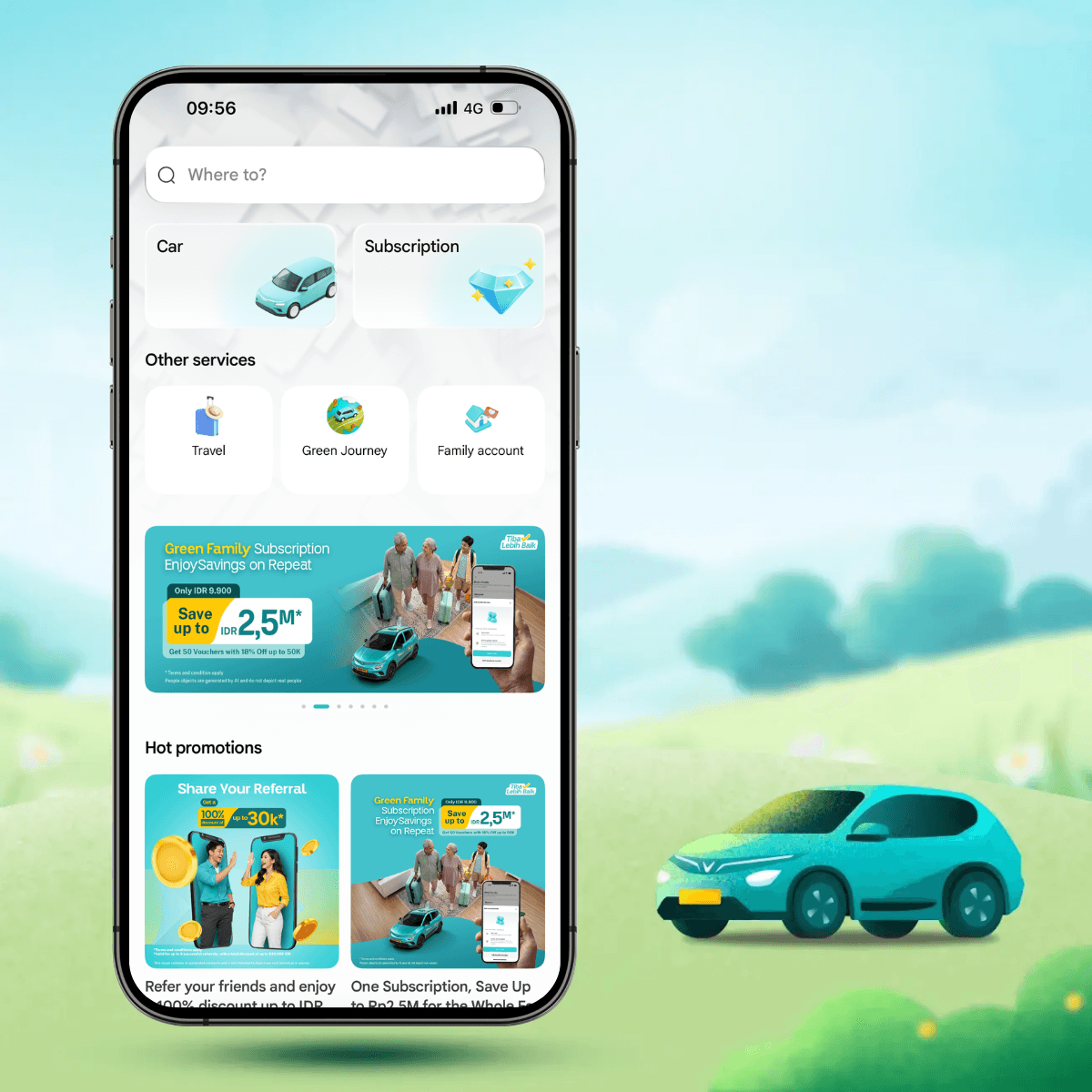
- 1. Step 1Open the Green SM App and tap the Car icon on the home screen.
- 2. Step 2Enter your pickup and drop-off locations, then select the Green Premium option.
- 3. Step 3Choose your preferred payment method. Don’t forget to apply any available promos for extra savings!
- 4. Step 4Confirm your booking and get ready for your journey with Green SM.
INFORMATION
Service Pricing
The above prices include VAT and insurance for passengers.
- Prices booked through the app are determined via the pricing software, according to the listed price policy and may include discounts (if any) and surcharge policies (if any) at each time.
- Round-trip fare applies only to the same passenger for both directions.
- The actual trip cost depends on the actual distance, tolls (if any), and any additional fees (if any) incurred during the trip.
- Standard rates do not apply on public holidays
- Final fares displayed in the Green SM App may vary depending on distance, time, applicable surcharges, tolls, promotions and local operating conditions.
- Please book trips or other services via Hotline14068before departure to get the best deals.
- airport_pricing_note_7
Frequently Asked Questions
Green Premium
How to Book a Pre-Scheduled Ride on the Green SM App?
Using promotional codes and discounts
Guide to Add or Update Payment Methods
How to Book a Pre-Scheduled Ride on the Green SM App?
Want to plan your ride ahead of time? With Green SM, it’s fast, easy, and stress-free. Just follow these simple steps:
Step 1:
Open the Green SM app. On the home screen, type your destination in the “Destination” field and confirm your pickup point.
Step 2:
Choose your ride option.
The app will show you available Green SM services in your area-along with fares.
Pick what fits your needs and budget.
Step 3:
Select your preferred payment method and enter any promo codes if available.
Yes to savings!
Step 4:
Tap the "Schedule" icon in the bottom-left corner. Tap "Schedule Now", select your preferred pickup date and time, then tap "Confirm".
Step 5:
Double-check your details and hit “Book.”
Your assigned driver will get in touch to confirm the trip-no need to follow up.
Flexible & Convenient
You can schedule rides up to 30 days in advance
and cancel anytime before the driver arrives.
Plan ahead. Ride smart. Go Green SM.


Learn More
Related content